
Service Center has been upgraded with Organizations
Starting today, your Service Center automatically includes Organizations! Organizations help you manage multiple branches, platforms and service agents efficiently, taking your team's productivity to the next level!
If you haven't set up any organization features before, the system will set up organizations for you using the default settings. We recommend going to the Service Center organization settings right away to check your current setup.
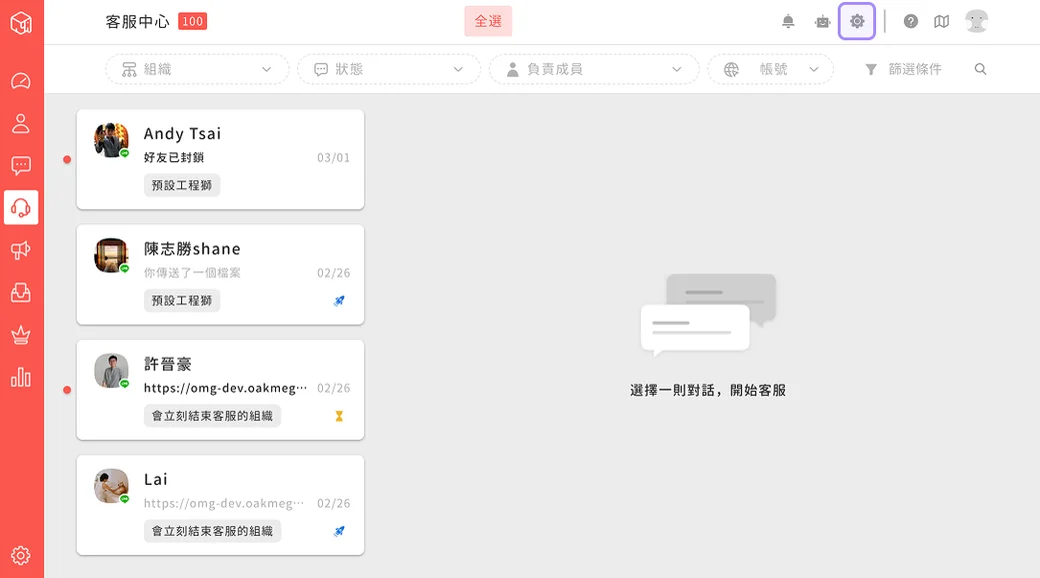
Finally, if you have any questions about Service Center features, see Support center (Beta) (wiki) or contact your OakMega representative.
Service Center adds category filters
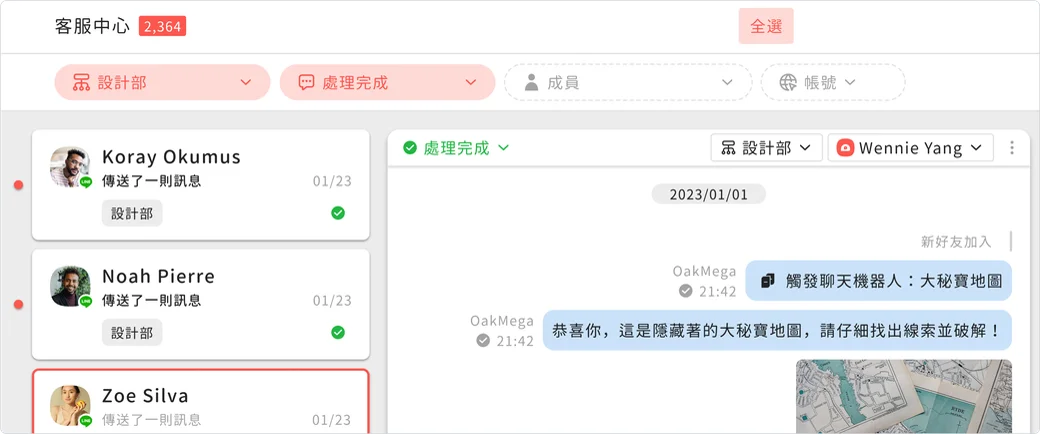
To make sure the people who use Service Center every day can keep working smoothly after the upgrade, we simplified the interface for selecting status, organization and assigned agent, and added organization-related category filters to the header. Agents can now select status, assigned agent, organization and account more easily and precisely, speeding up your service SOP.
Upgraded agent and organization settings
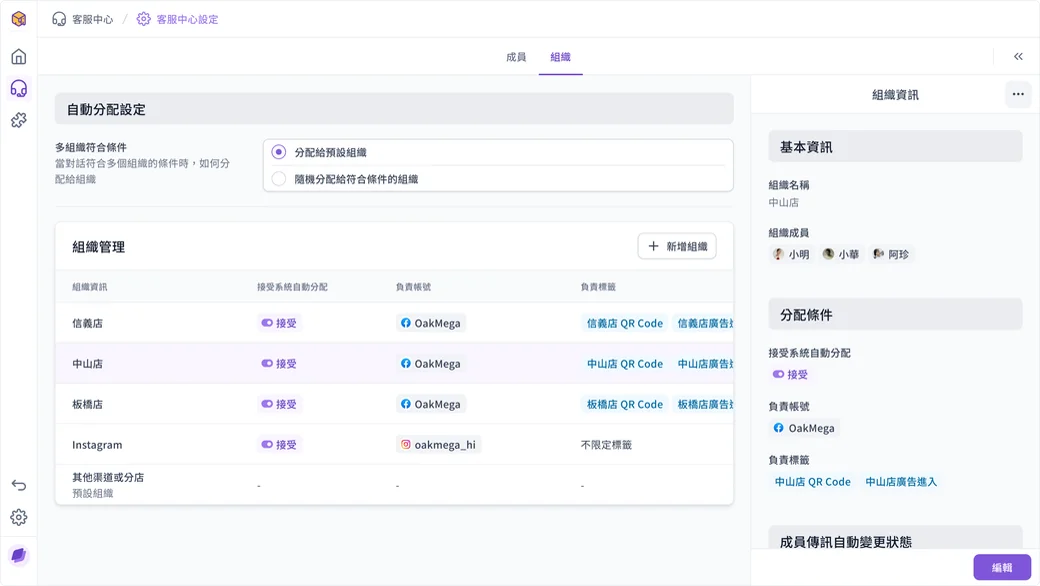
With Service Center's major upgrade, the Service Center settings page has also been fully revamped with the brand-new OakMega 3.0 interface. Every setting is clearer than ever, so you can set up your own Service Center intuitively and make working in Social CRM every day a pleasure!
The Service Center app supports Organizations
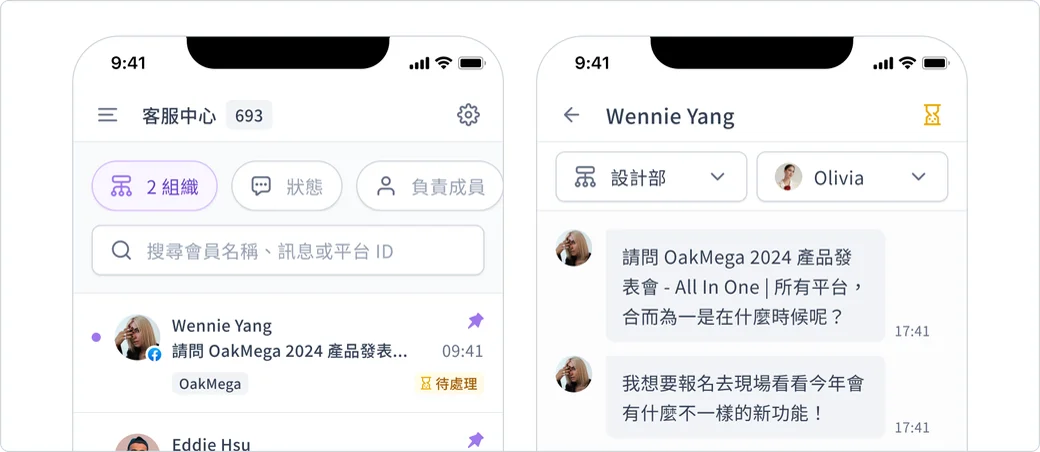
Starting in 2025, you can use Service Center's "Organizations" feature in the app. After upgrading, you can easily manage organizations and conversations on both desktop and mobile for more efficient work. Quickly select an organization, assigned agent, account and status for a smoother service process, and use category filters in the app to manage conversations with ease. Handle service issues anytime, anywhere, on any device, and boost your team's efficiency.