
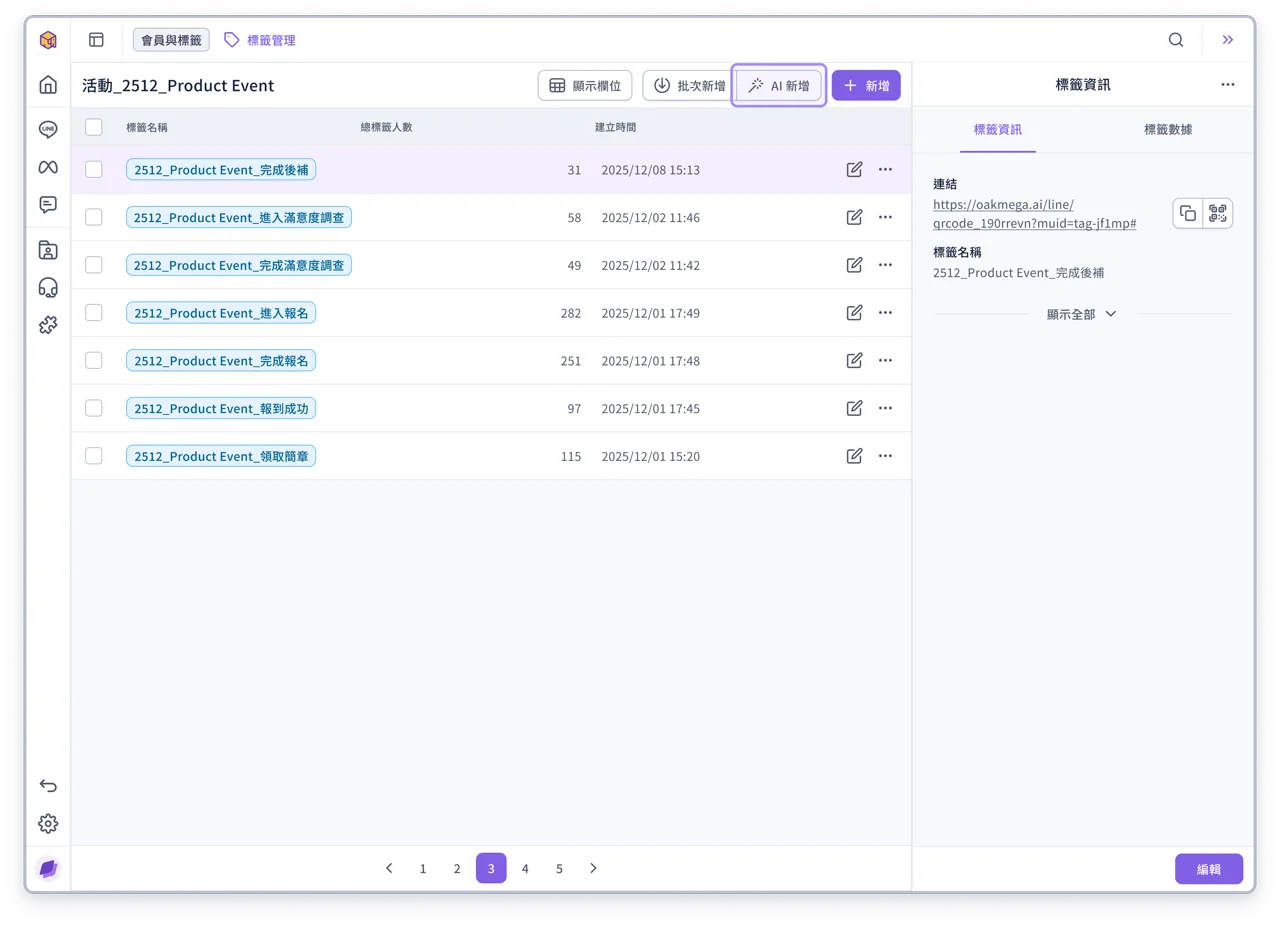
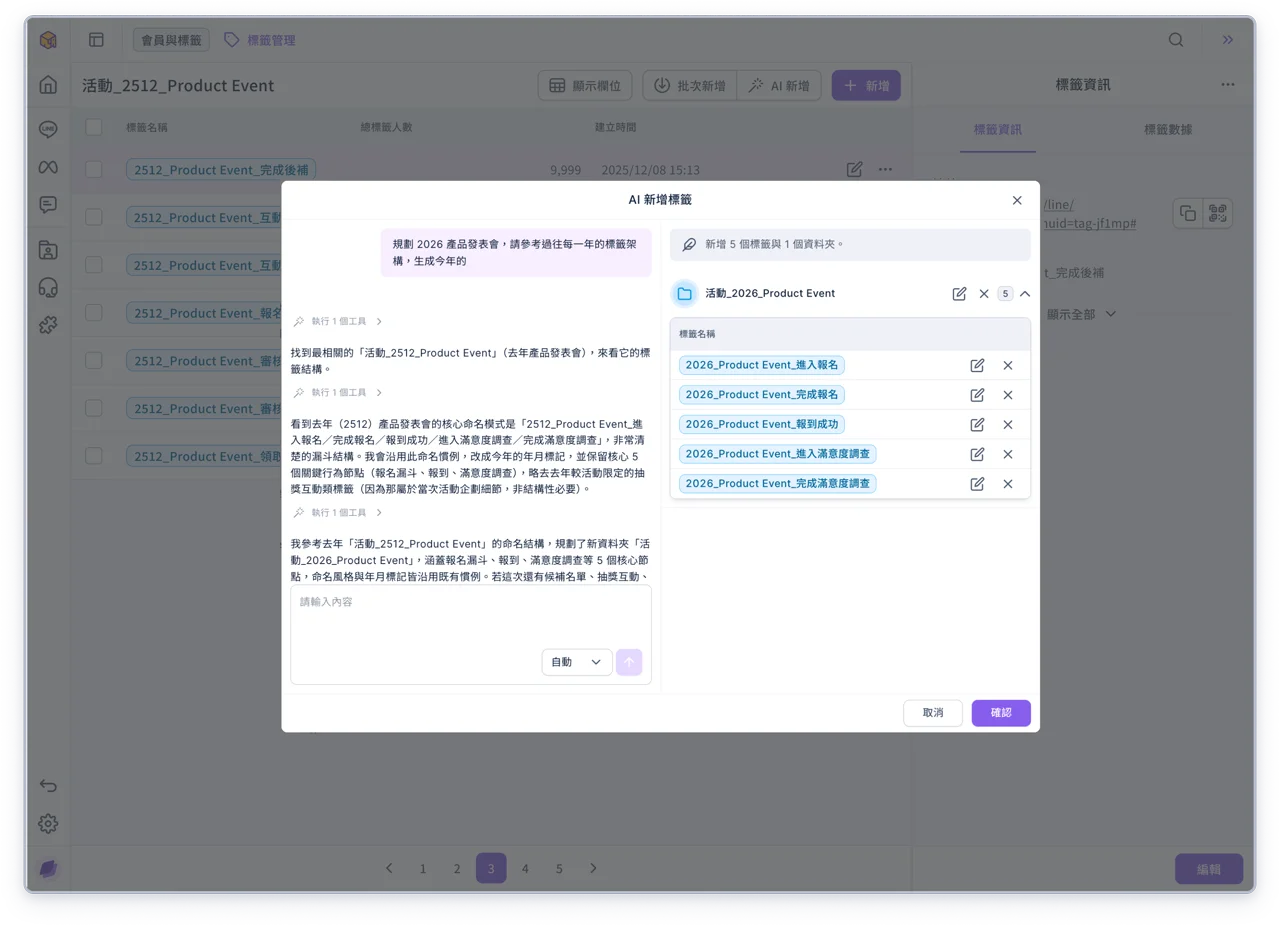
AI Generate Tags: Plan and create tags quickly
Whether you need to track a campaign, segment members or plan a complete tag structure, you can now use AI Generate to describe your scenario and quickly get suggested tags and folders. Once you've confirmed the suggestions, create them in batch, saving time on manual setup while keeping tag names consistent.
AI Member Analysis: Understand member traits and interaction context
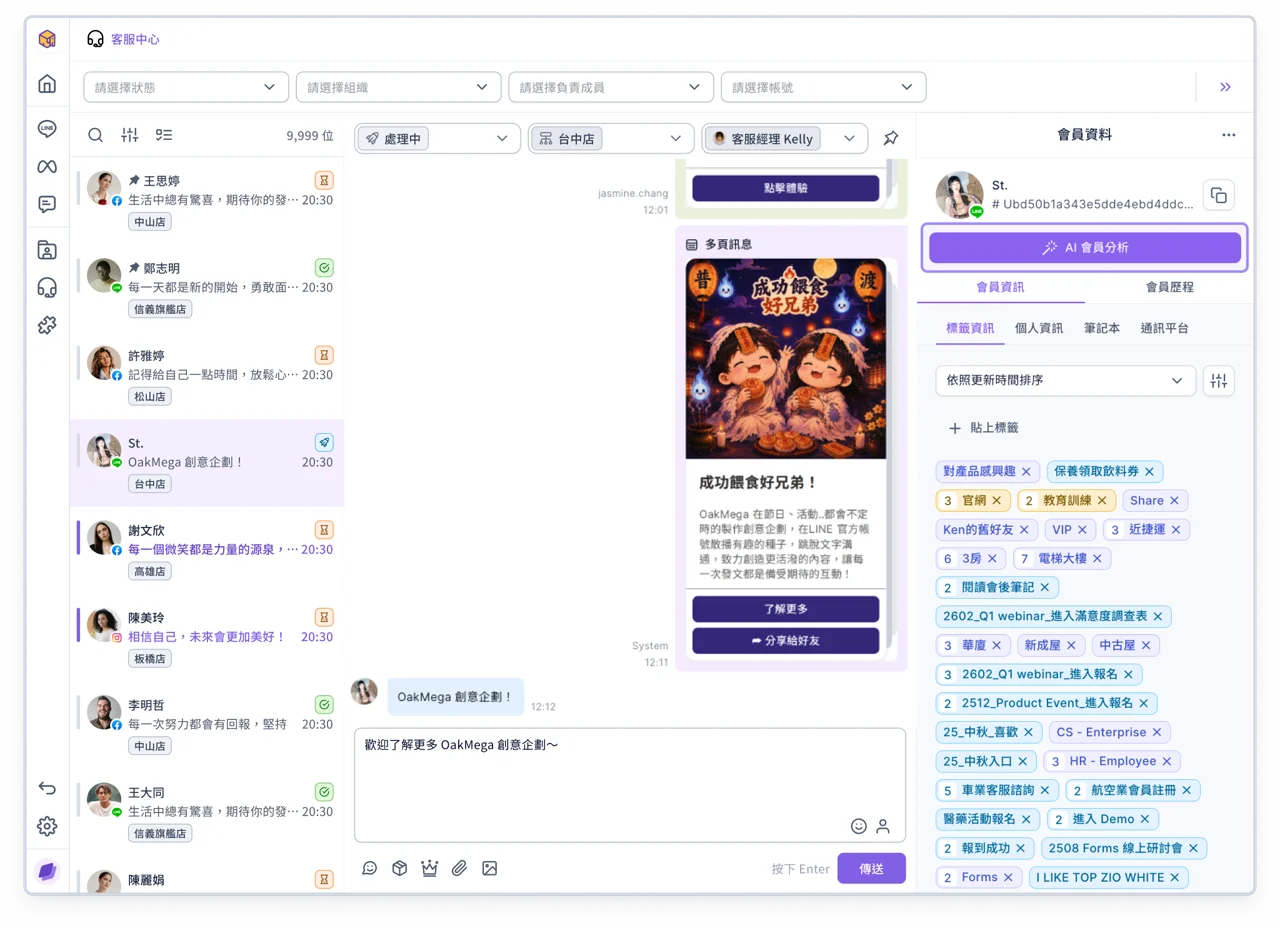
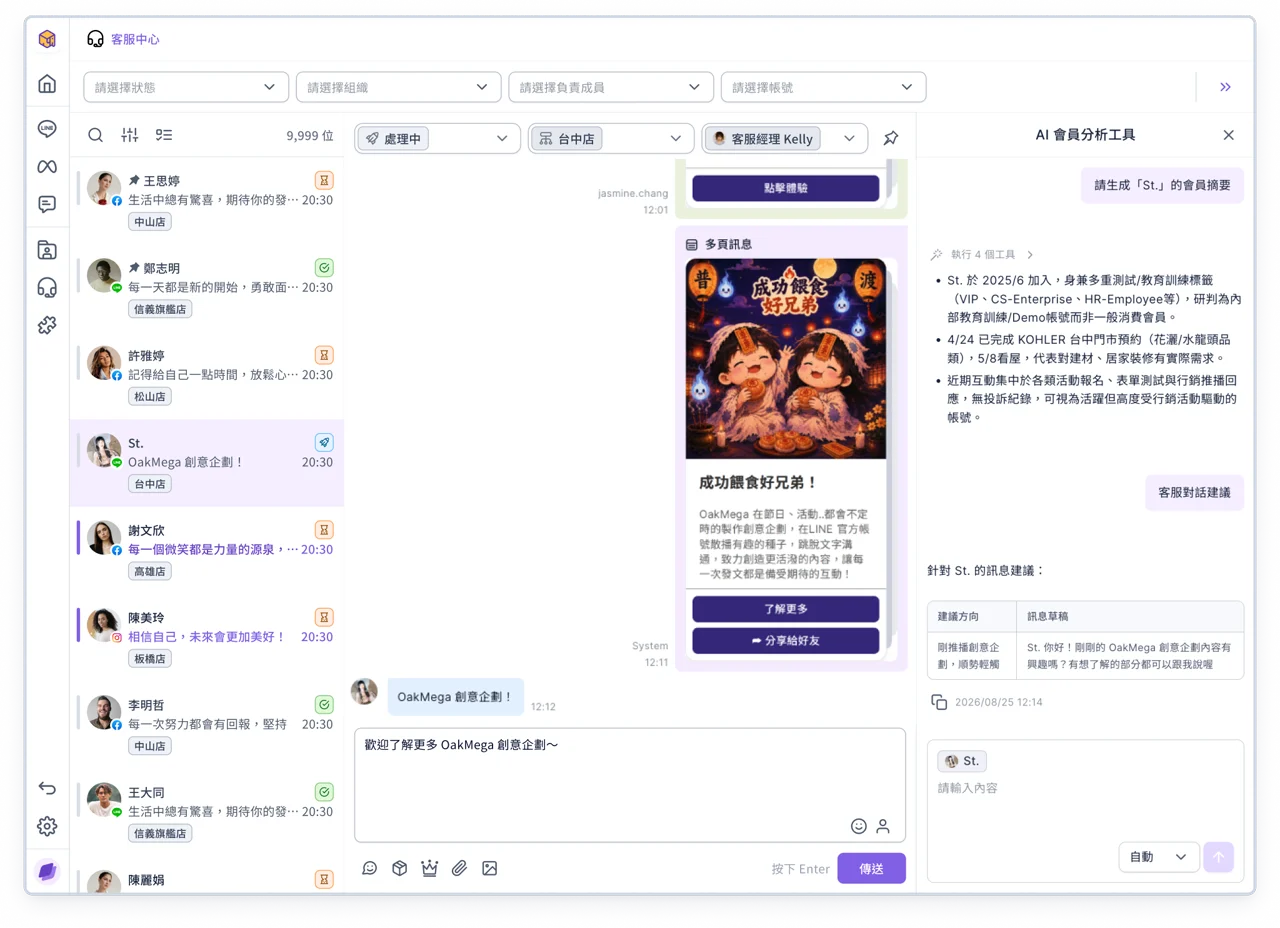
When a member has built up lots of tags, interactions and conversation history, it takes time to go through everything to get the full picture.
With the AI Member Analysis Tool, you can now generate a member summary and a conversation summary to quickly understand where a member stands. AI can even suggest your next message, helping you quickly open up business opportunities in every conversation.
💡
OakMega AI features are brand new! From now until the end of September is the trial period, with a higher usage quota during this time. Don't miss the chance to try them out!
Note: The actual number of times you can use AI features varies by feature and usage. If you have any questions, contact your OakMega project representative.
Improvements
- Improved the chatbot editor, which now uses the all-new message editor
- When the audience count of a post article is abnormal, you can still save it as a draft
- The member card now refreshes data instantly when you switch tabs