
Service Center: Send messages in batch
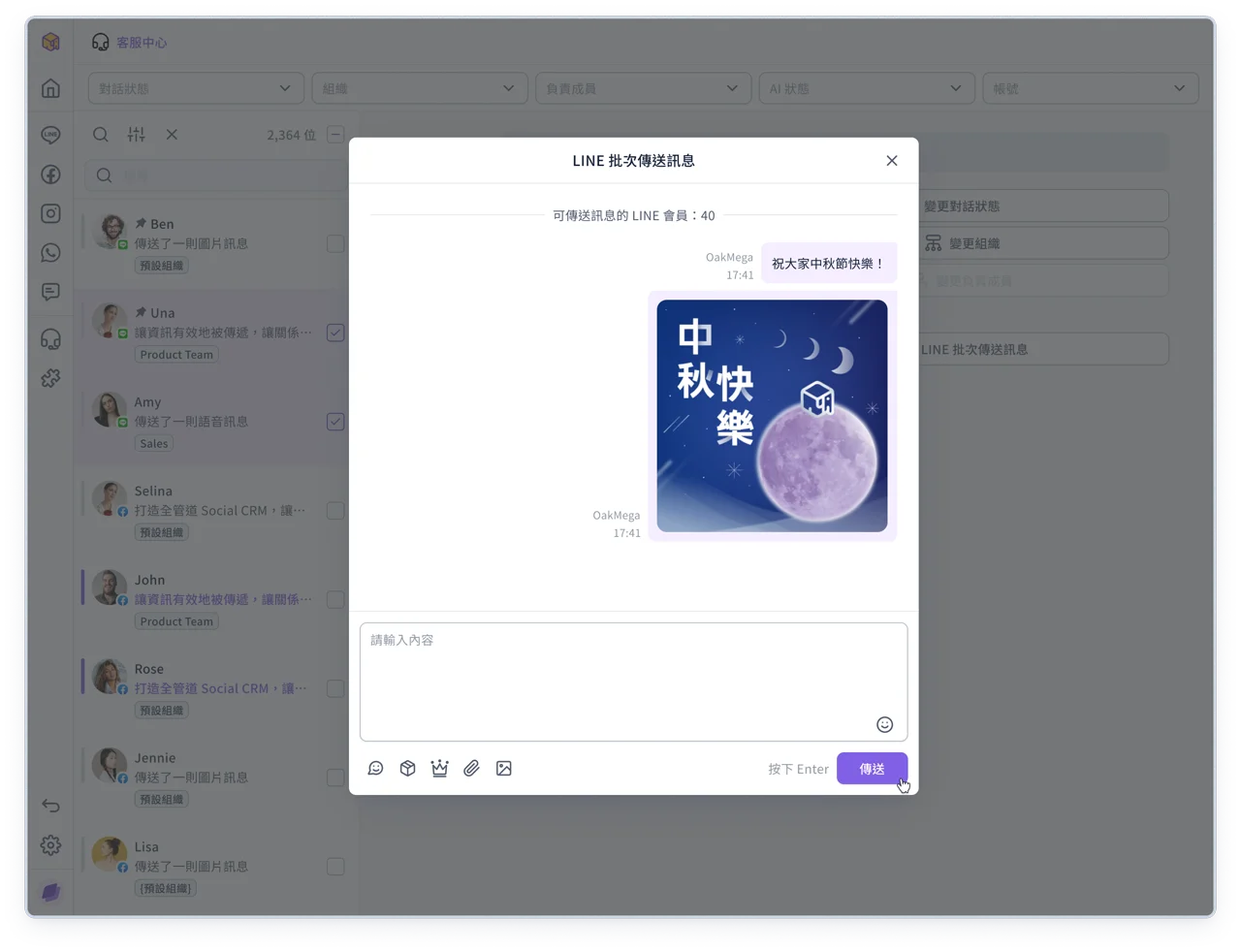
Batch selection in Service Center already let you change statuses, organizations and other settings. Now you can send messages too.
There's no need to go through other features such as tagging or post articles: send the same content to multiple members at once, making high-volume communication faster and more efficient.
💡
Note: This feature is available for LINE friends only, with a limit of 100 members per send.
If you have any questions, contact your OakMega representative or see the guide: Select all and batch actions
Improvements
- Adjusted component styles in the admin console