
Scheduled automation for the LINE default rich menu
After launching the segmented rich menu, OakMega is upgrading the default rich menu for the first time. It now has its own page with scheduling, so brands can switch rich menus automatically by time period.
Improvements
- Improved the data pages for chatbots, tag management and deep links
- Faster profile picture loading in One-on-One Chat / Service Center
- Added an "Assigned to me" page to Service Center
Fixes
- Profile pictures in One-on-One Chat / Service Center could load incorrectly
- Importing tags could create tags with duplicate names
- Linking a LINE account in My Account could run into issues
- Advanced filter might not open in some cases
- Searching conversations in groups could fail
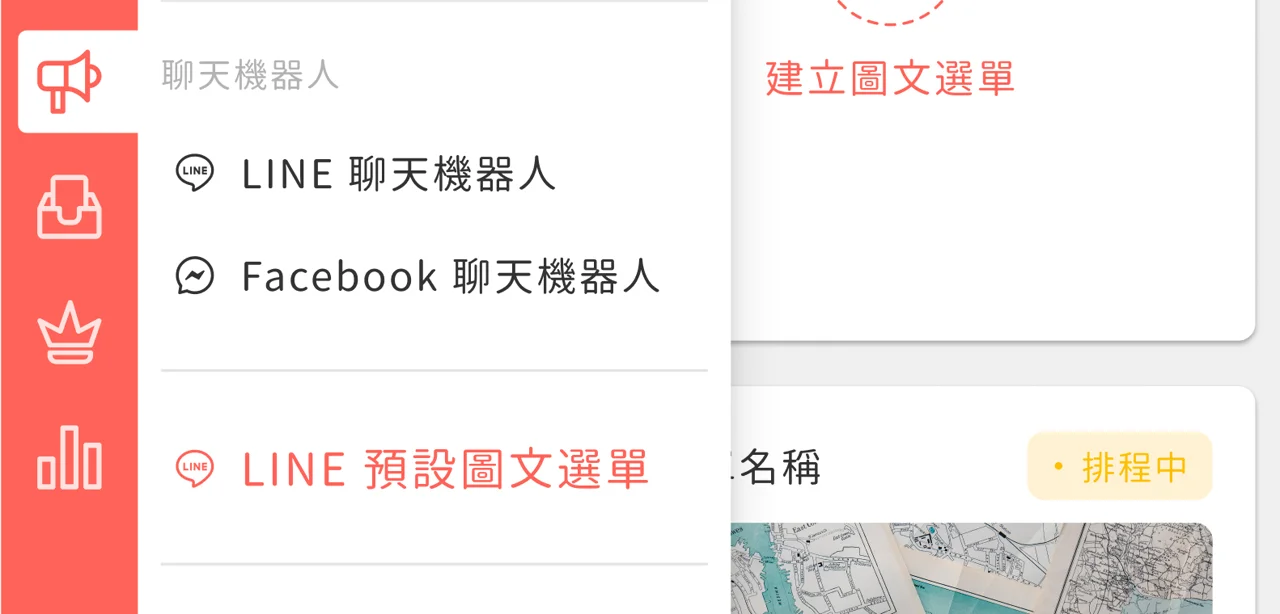
- Feature introduction page LINE default rich menu After launching the segmented rich menu, OakMega is upgrading the default rich menu for the first time. It now has its own page with scheduling, so brands can switch rich menus automatically by time period. The new page is below LINE chatbots, where you'll find LINE default rich menu.
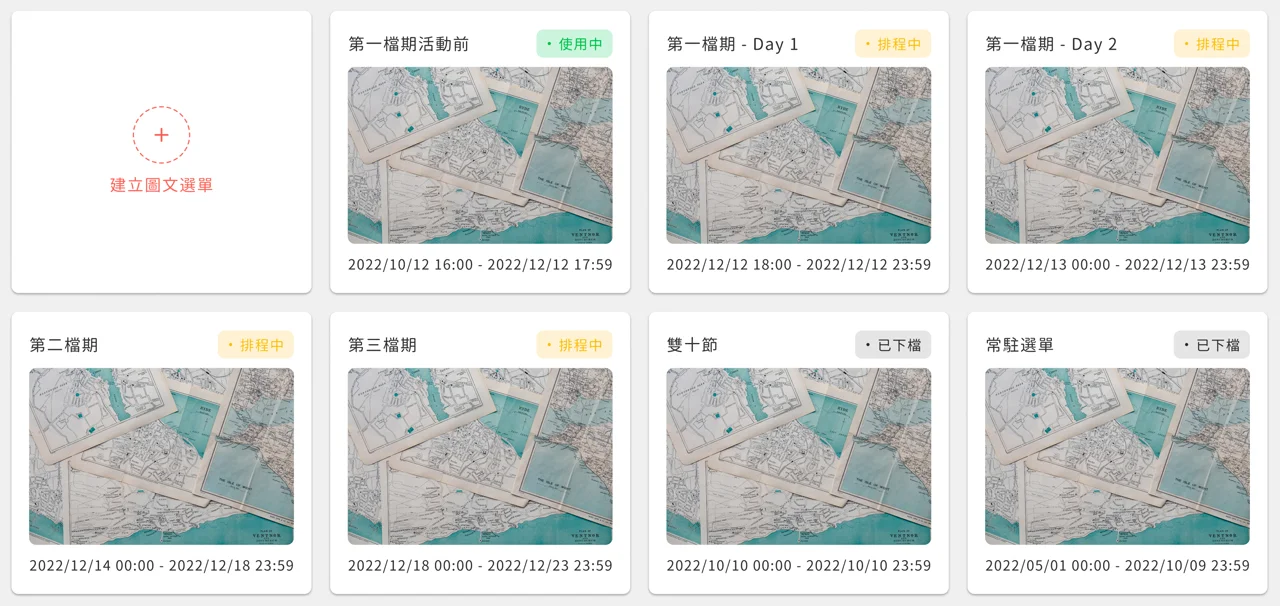
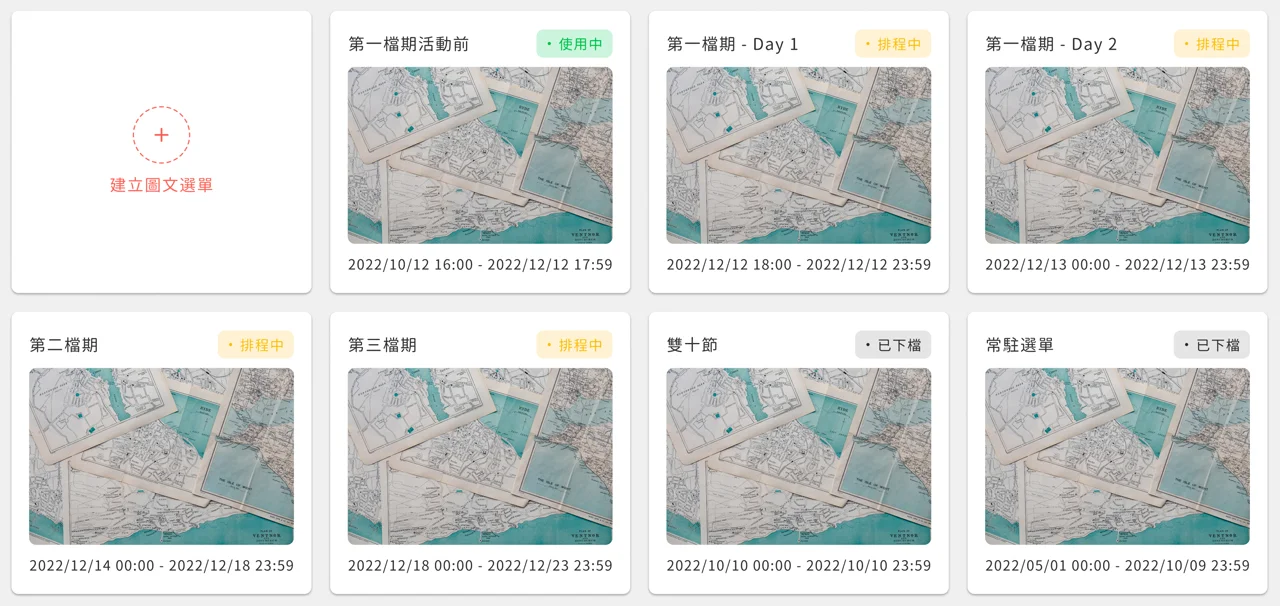
On the LINE default rich menu page, you can create multiple rich menus, and each one can have its own schedule. Based on time, they have three statuses: `Active`, `Upcoming` and `Expired`. If the schedule spans the current time, the rich menu is `Active`; if the schedule hasn't started yet, it's `Upcoming`; if the schedule has ended, it's `Expired`.
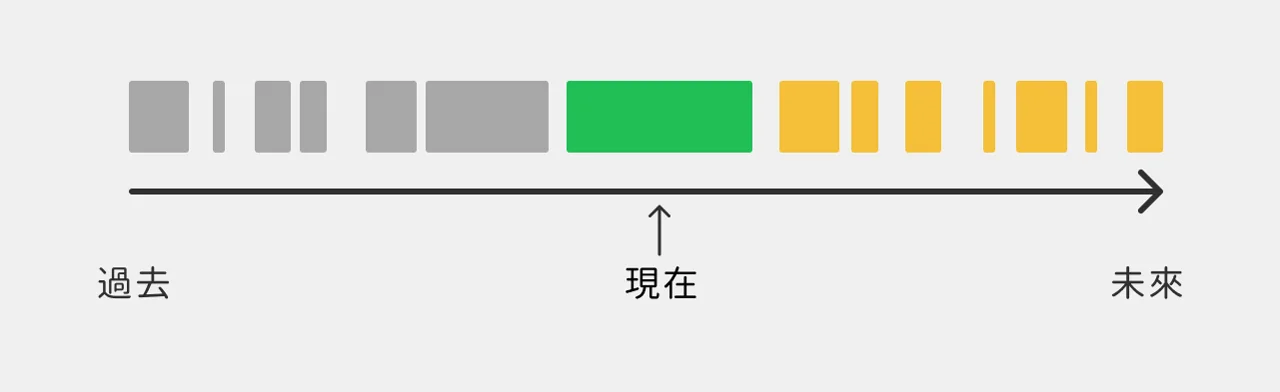
Rich menu schedules can't overlap, so only one rich menu (the active one) is used at a time as the default rich menu that's actually displayed. If the current time doesn't match any rich menu's schedule, OakMega won't set a default rich menu, and the rich menu from LINE's native admin console applies instead (see the priority explanation below).
Rich menu settings are basically the same as the previous default rich menu settings. The only difference is that you can set a schedule. To use the same rich menu indefinitely, just set the schedule far into the future.
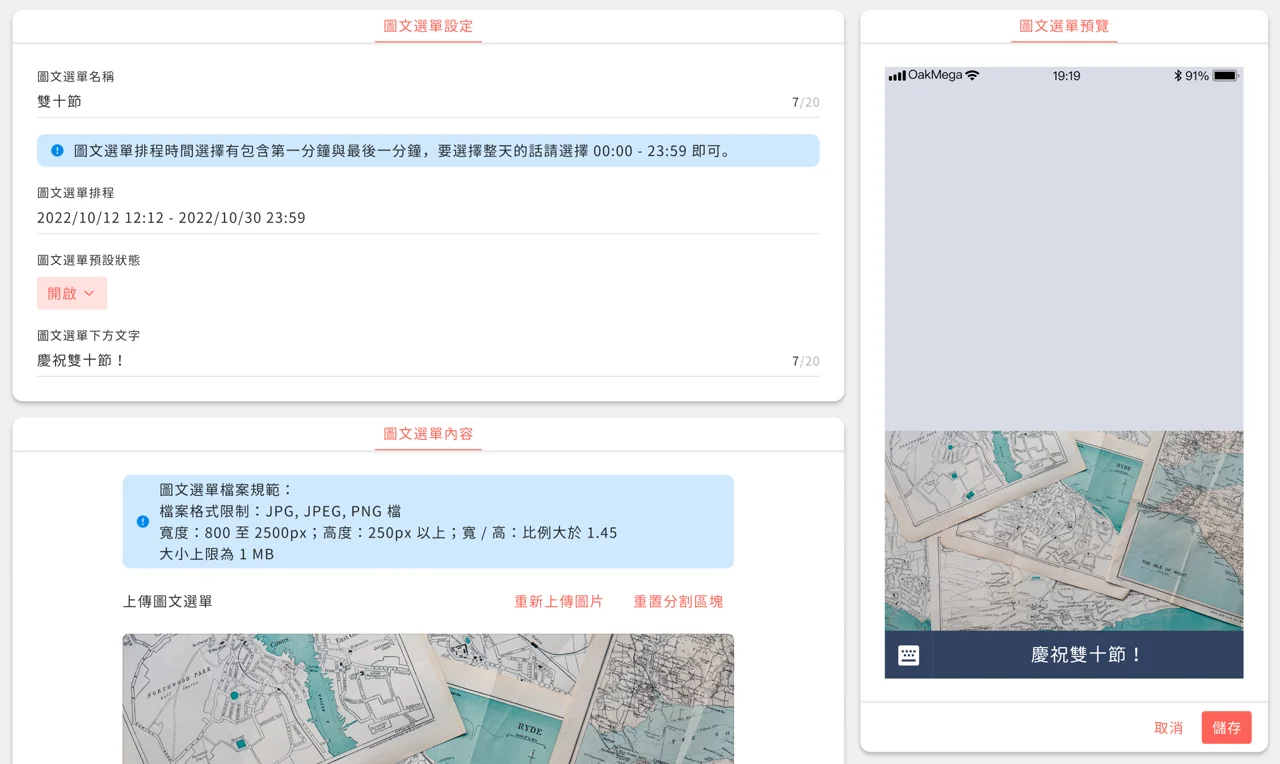
If you don't want to use the OakMega default rich menu, delete all rich menus, or set their schedules in the past or far in the future.
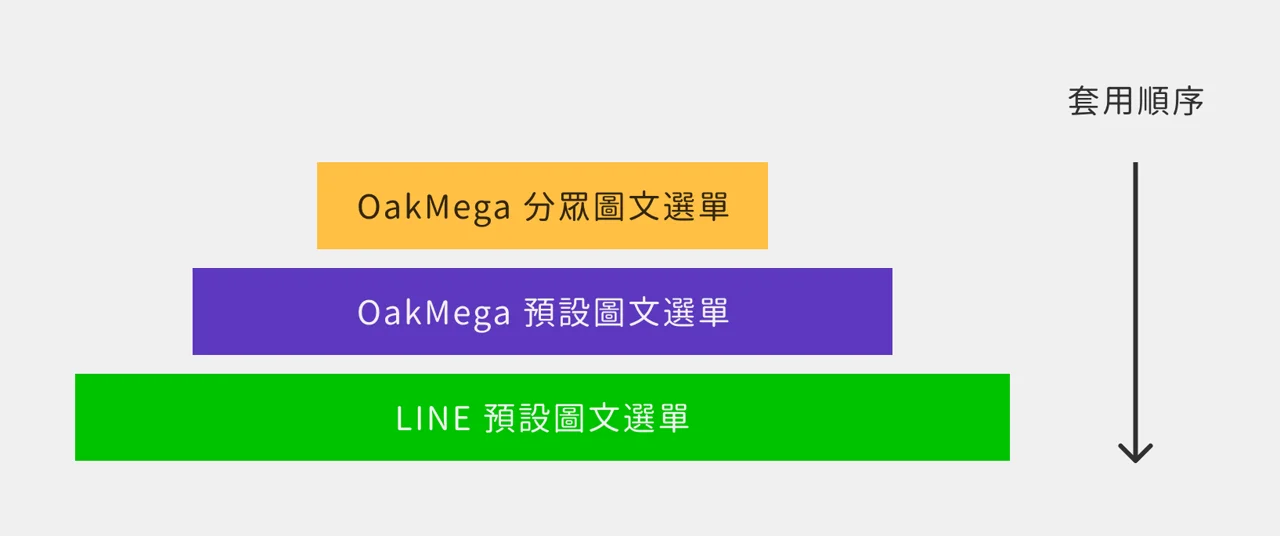
A note on priority between rich menus: because OakMega is a third-party LINE service, its rich menus take priority over LINE's native admin console (as shown). So after you delete OakMega's default rich menu, your LINE official account will show the rich menu from LINE's native admin console.
Segmented rich menus in turn take priority over the default rich menu. If a member has already been assigned a segmented rich menu, that member won't see the OakMega default rich menu.
Apart from the settings moving from the module to the LINE rich menu page on the left, how you use the default rich menu hasn't changed at all. You can still change members' rich menus from member management → batch actions, or by importing it in a chatbot.
Q & A
- Is there one default rich menu or several?
  On the LINE rich menu page you can set up multiple rich menus, but only one is `Active` at a time. The default rich menu module among the modules is just one, representing the rich menu that is `Active`.
- Can segmented rich menus be scheduled?
  No. The LINE rich menu settings only apply to the default rich menu; segmented rich menus don't have scheduling.
- Will the default rich menu still be in Modules? Can I still edit the default rich menu there?
  The default rich menu will still be in Modules and works exactly the same way, except that editing the default rich menu takes you to the LINE rich menu page.