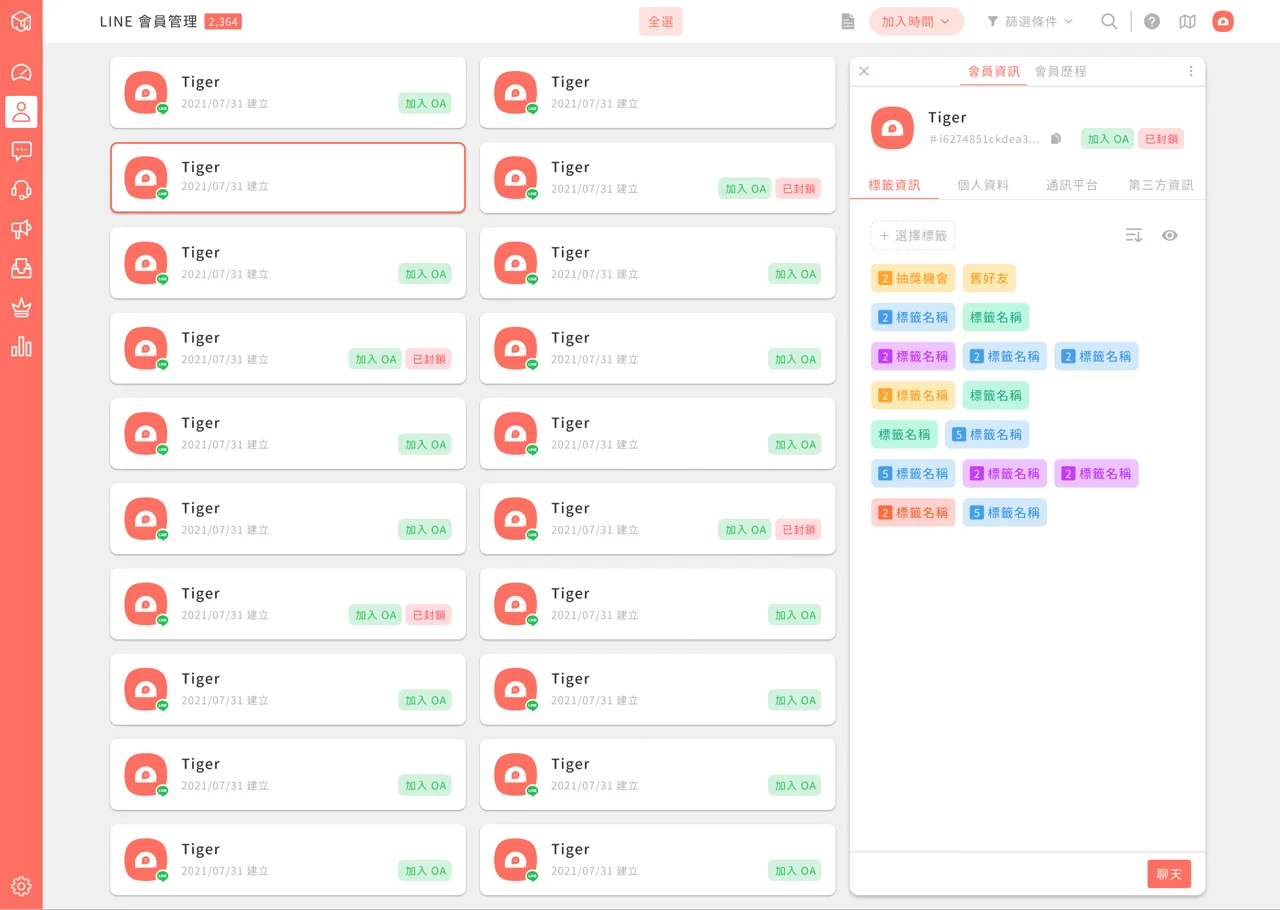
Member management interface update: Clearer, easier-to-read statuses
In this update, we're removing the "Joined since yyyy/mm/dd" text, which made status hard to tell, and replacing it with Joined OA and Blocked statuses.
In the member info interface, we've split data into:
- Tag info: all applied tags
- Personal data: all personal data attributes (same as the current interface)
- Platforms: all data related to platforms (such as LINE) We've also added tag sorting settings, which can use the most recent update time or folder.
- Feature introduction page Member management interface update
Member management interface update: Clearer, easier-to-read statuses
In this update, we're removing the "Joined since yyyy/mm/dd" text, which made status hard to tell, and replacing it with `Joined OA` and `Blocked` statuses.
If `Joined OA` is shown, the member has added the LINE official account. Otherwise, the member has used services such as LINE Login but hasn't added the LINE official account.
If `Blocked` is shown, the member is currently blocked and can't be sent messages.
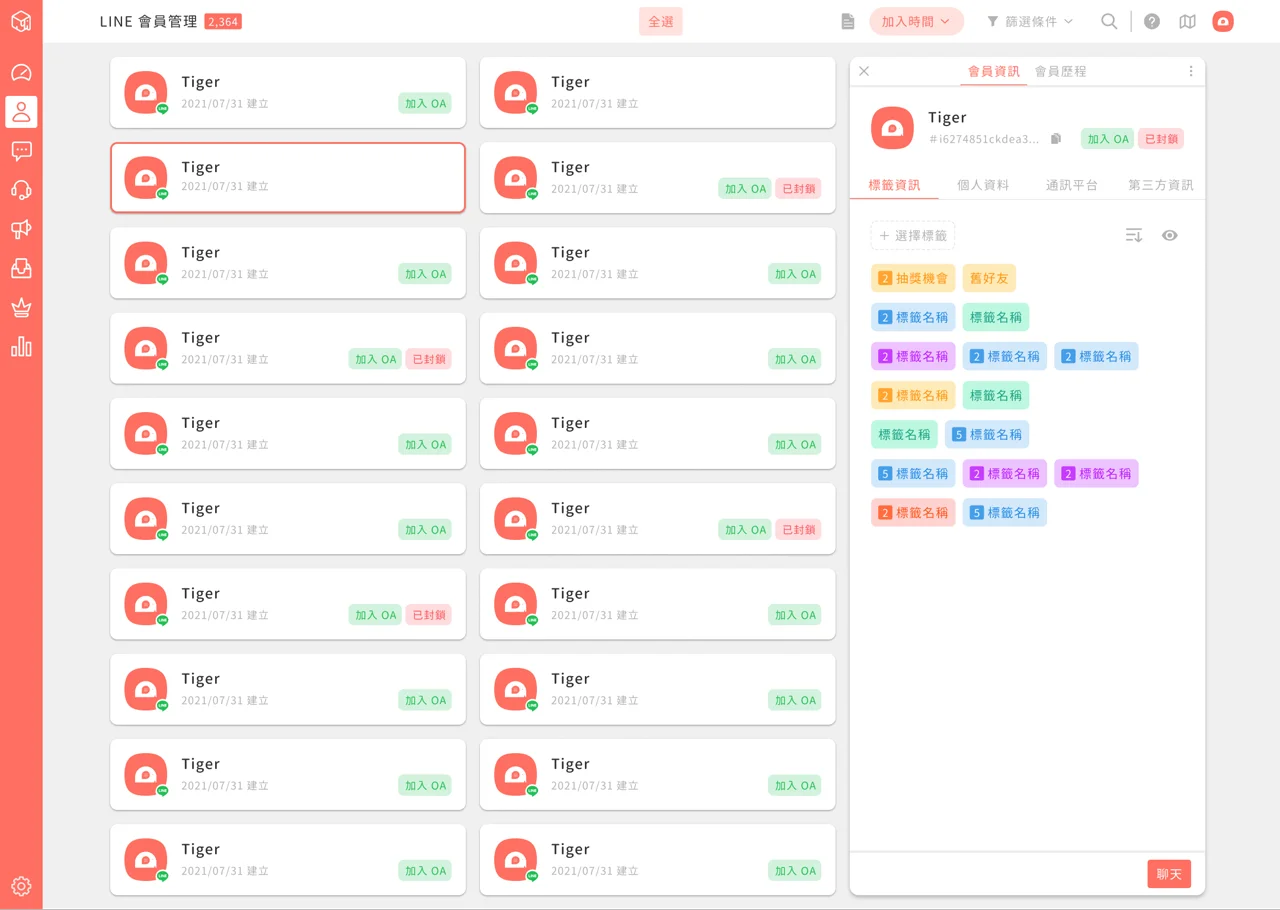
The member info panel that opens on the right also has a quick copy button for the LINE User ID, making members easier to identify. You can also use it to search for a single member.
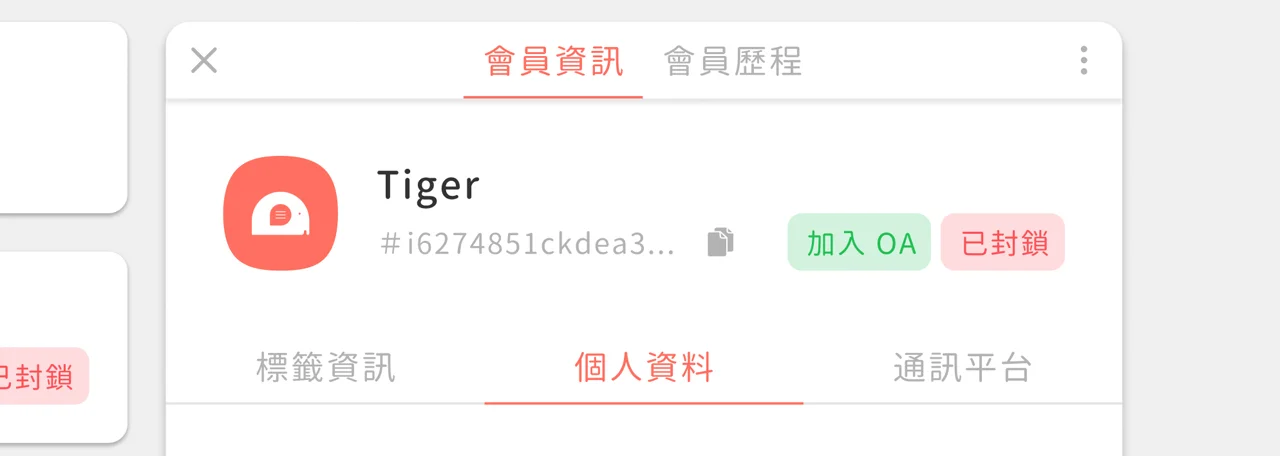
Member info interface update: Sections and layers that hold more
In the member info interface, we've split data into:
- Tag info: all applied tags
- Personal data: all personal data attributes (same as the current interface)
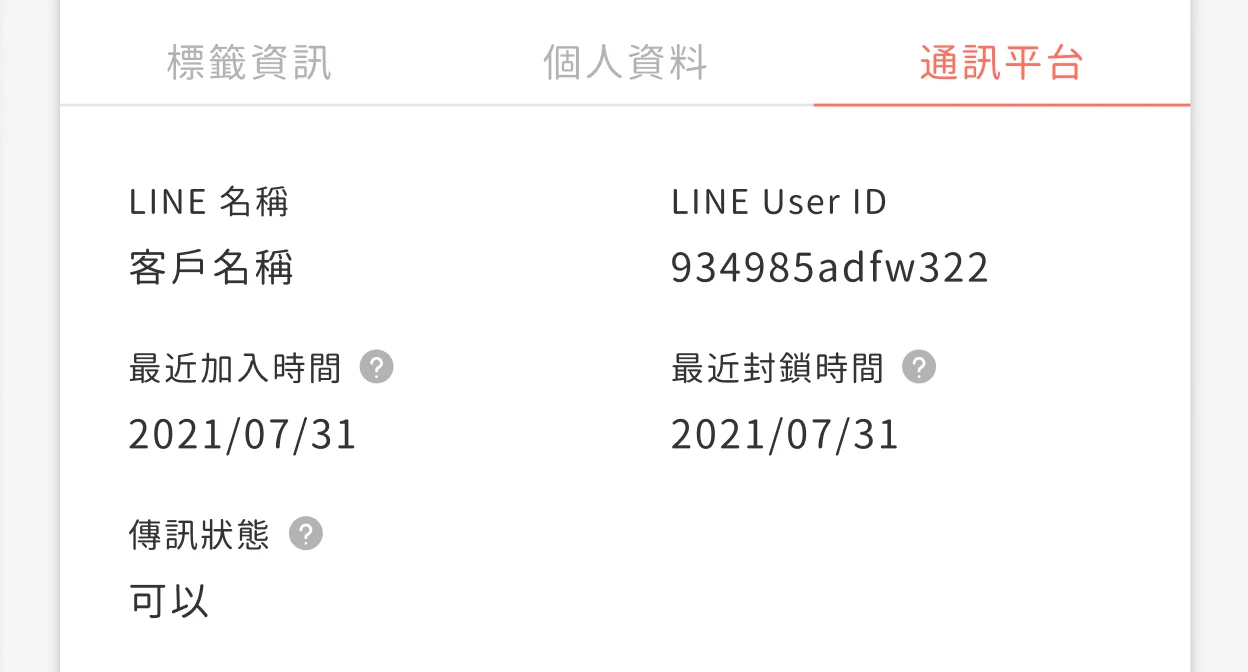
- Platforms: all data related to platforms (such as LINE)
**Tag info updates**
- Added tag sorting settings, which can use the most recent update time or folder
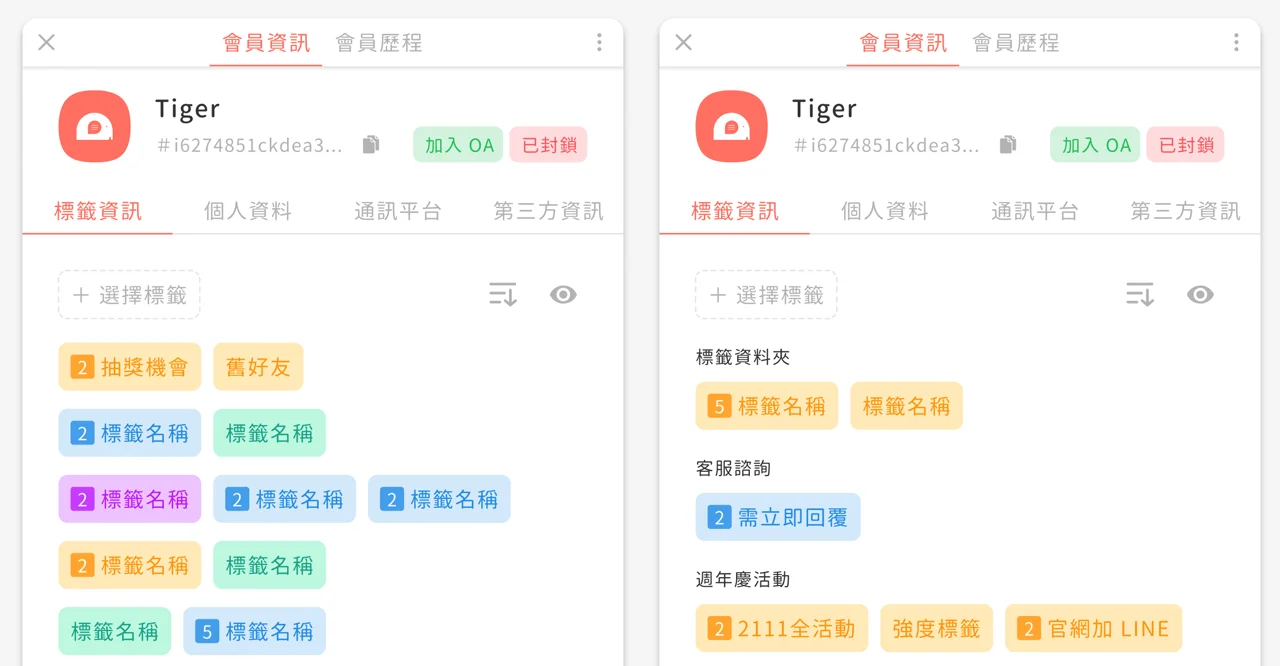
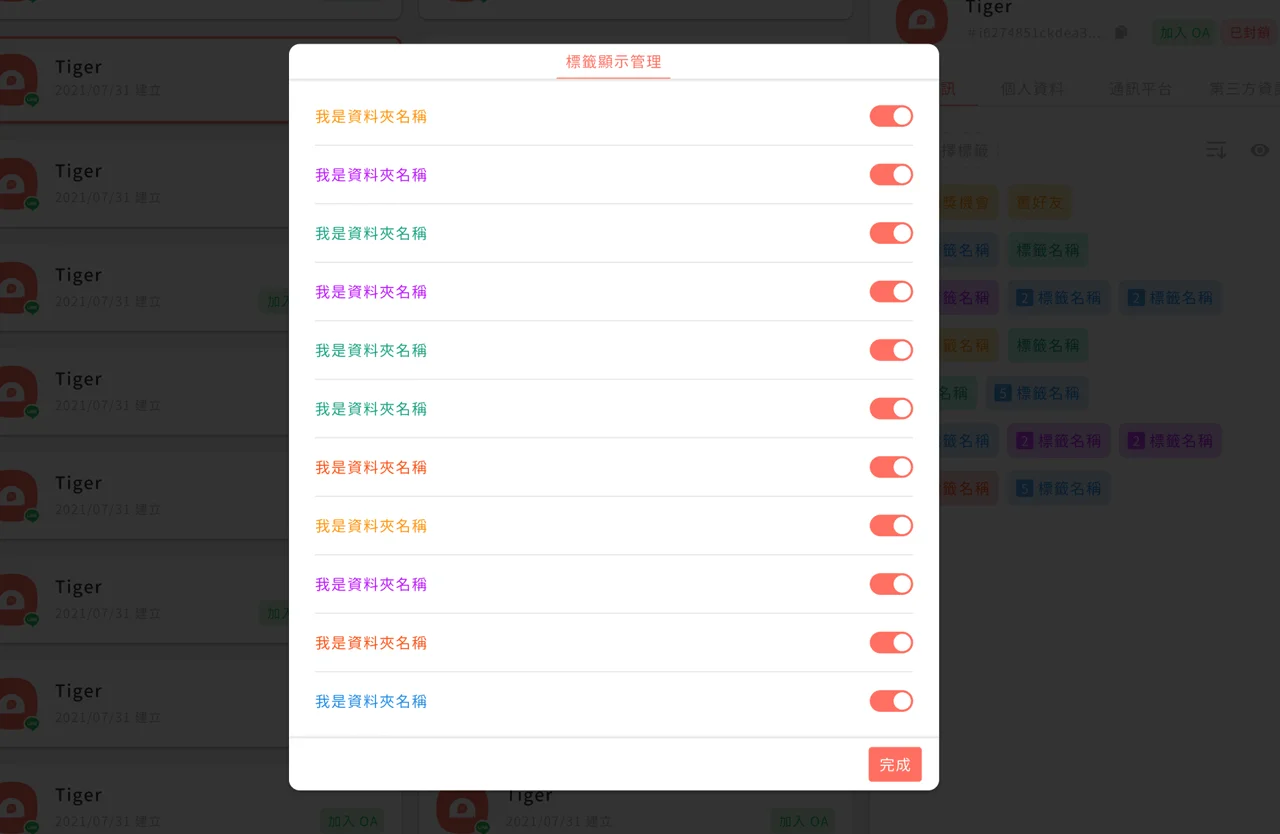
- You can choose which tag folders are shown in the interface and manually hide outdated tags
**Platform updates**
- Shows detailed platform information, as pictured
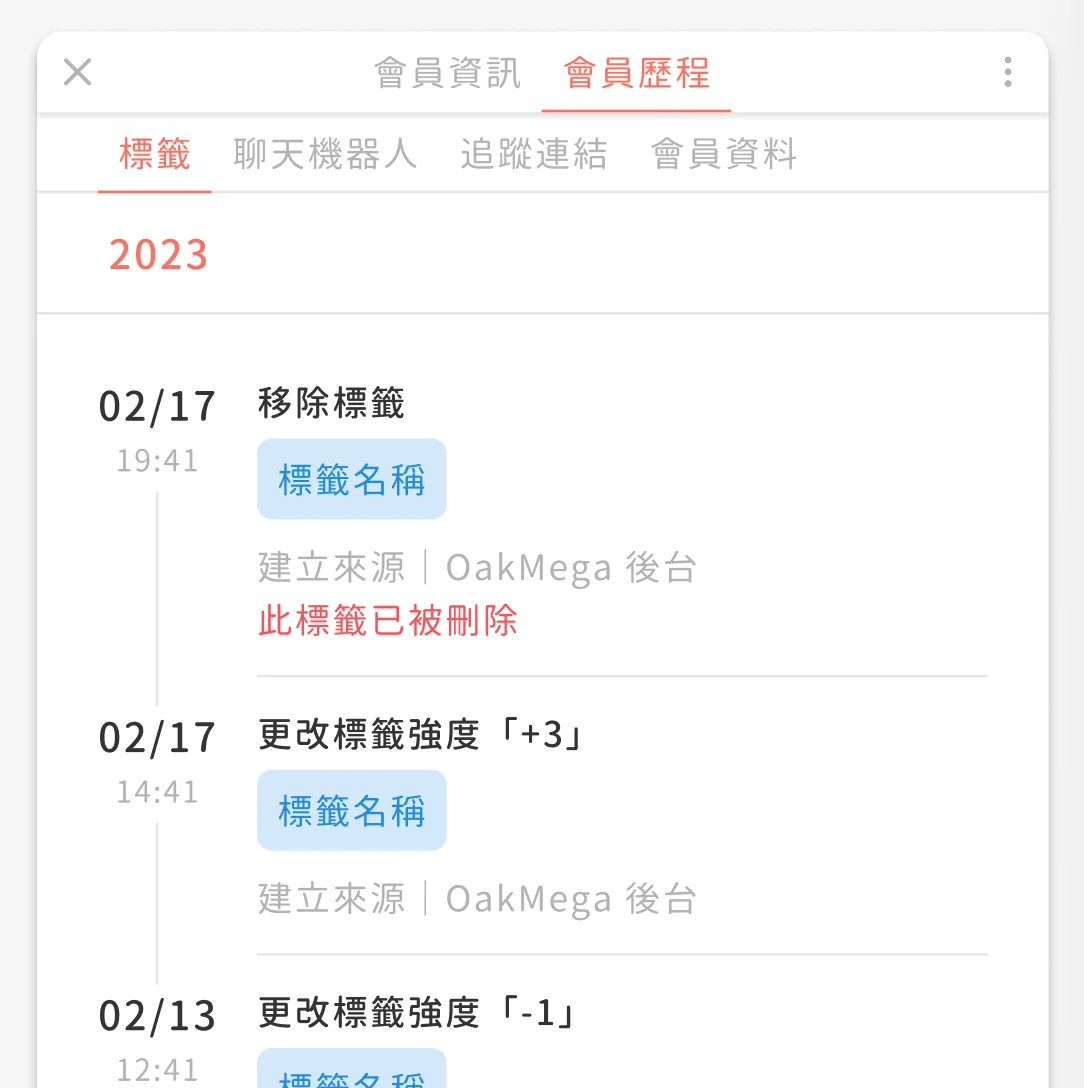
Member History interface update: Categories that make searching easier
To make Member History easier to read, we've split it into 4 main categories:
- Tags
- Chatbots
- Deep links
- Member data
Within the 4 categories, each item records:
- Changed item
- Changed value: records the new data
- Source:
  - Manual, API, chatbot, etc.
Taking tags as an example, the history of a member being tagged shows the source, so you can tell whether the member was tagged manually, by triggering a chatbot, by a member journey, and so on.