
Follow-up actions: Seamlessly connect forms and messaging apps
After a friend fills out a form and closes the web page, you can set up "Follow-up actions" to send a LINE message, with support for all kinds of automated formats, linking the web and messaging app journeys. For example, after a friend completes event registration by filling out a form, they can then receive an event admission QR Code.
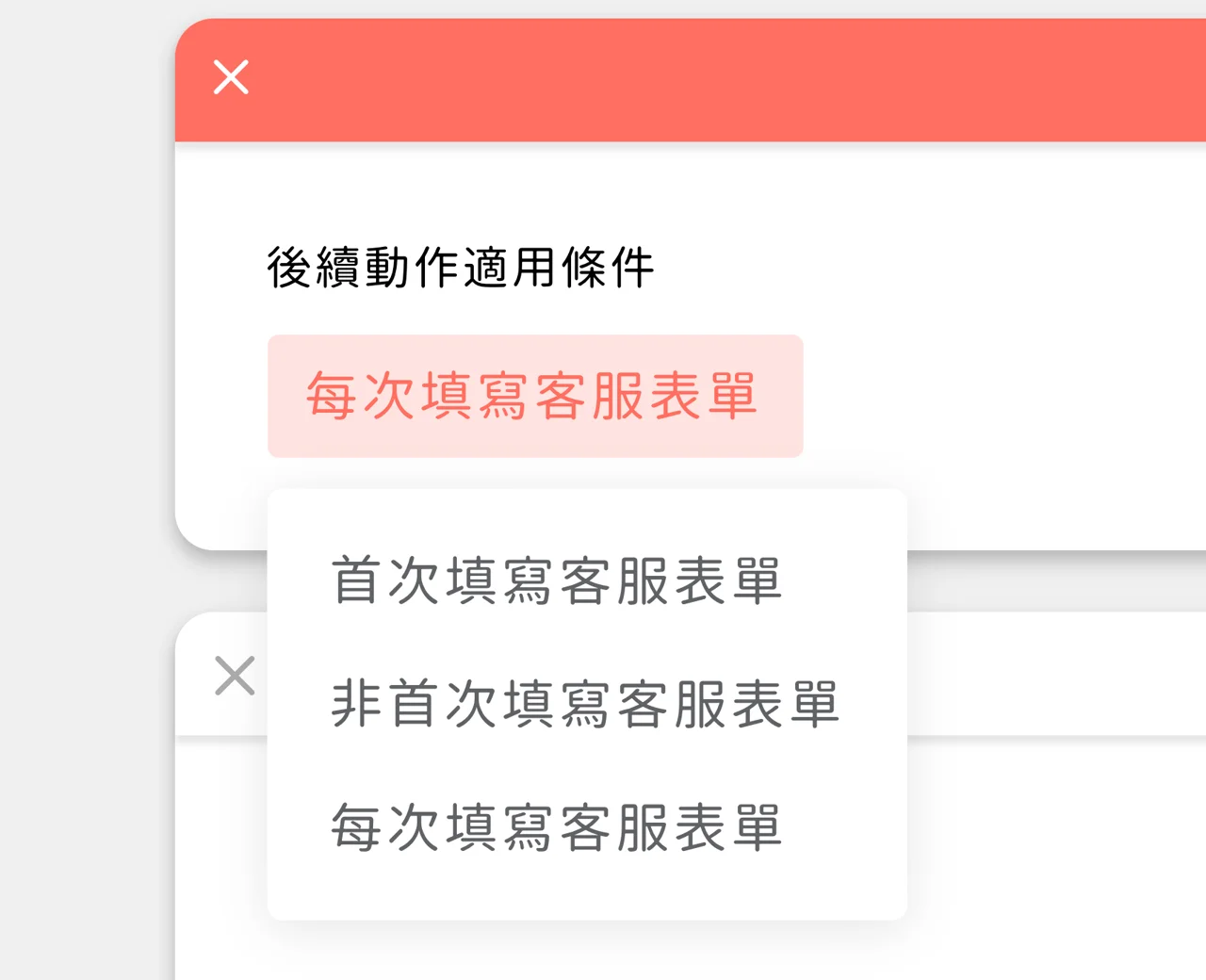
Follow-up actions can send custom messages for three form-filling situations:
- First time filling out the form
- Not the first time filling out the form (second time onward)
- Every time the form is filled out You can send (or not send) different messages for each situation, making marketing easier and saving budget.
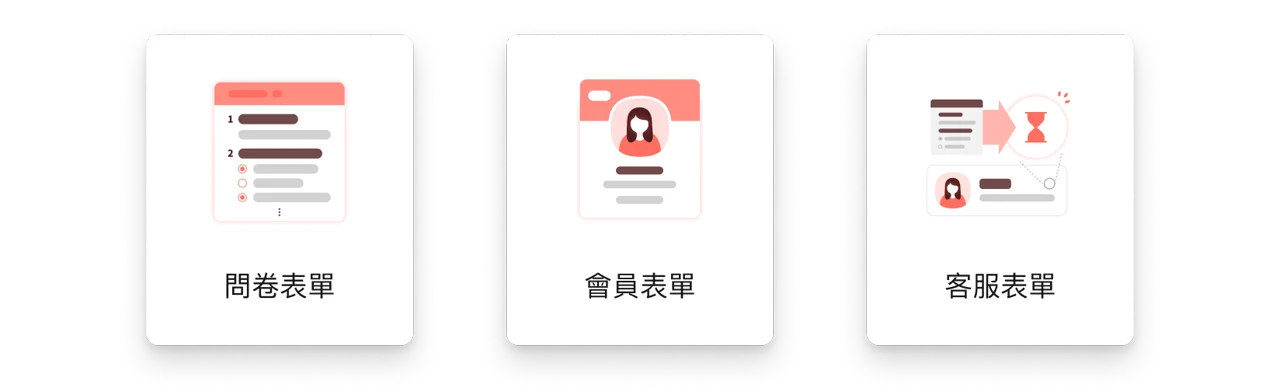
Forms that support follow-up actions include:
- Questionnaire
- Service form
- Member form
Improvements
- Message search in One-on-One Chat is now 10x faster 🚴 → 🛩
- You can send a message right after searching messages
Fixes
- Emoji could appear garbled when agents linked their LINE accounts