Collaborate without worrying about teammate mistakes: Upgraded internal tag permission management
Tags are the most valuable data about OakMega members. Each tag represents a member's identity and interaction history. Accidentally deleting a tag, or changing the tag data on members, can have serious and troublesome consequences.
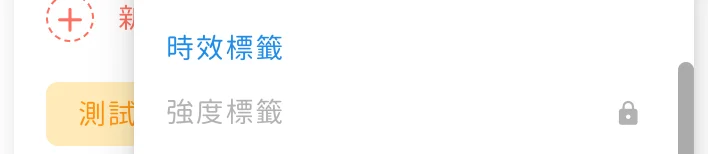
To prevent this, "Owners" in permission management can now set different tag change permissions for "General users". Unlike the view and edit permissions for the whole tag page, these settings give you separate control over each tag folder, including edit permission and whether tags on members can be adjusted manually.
Here are the 2 settings and when to use them:
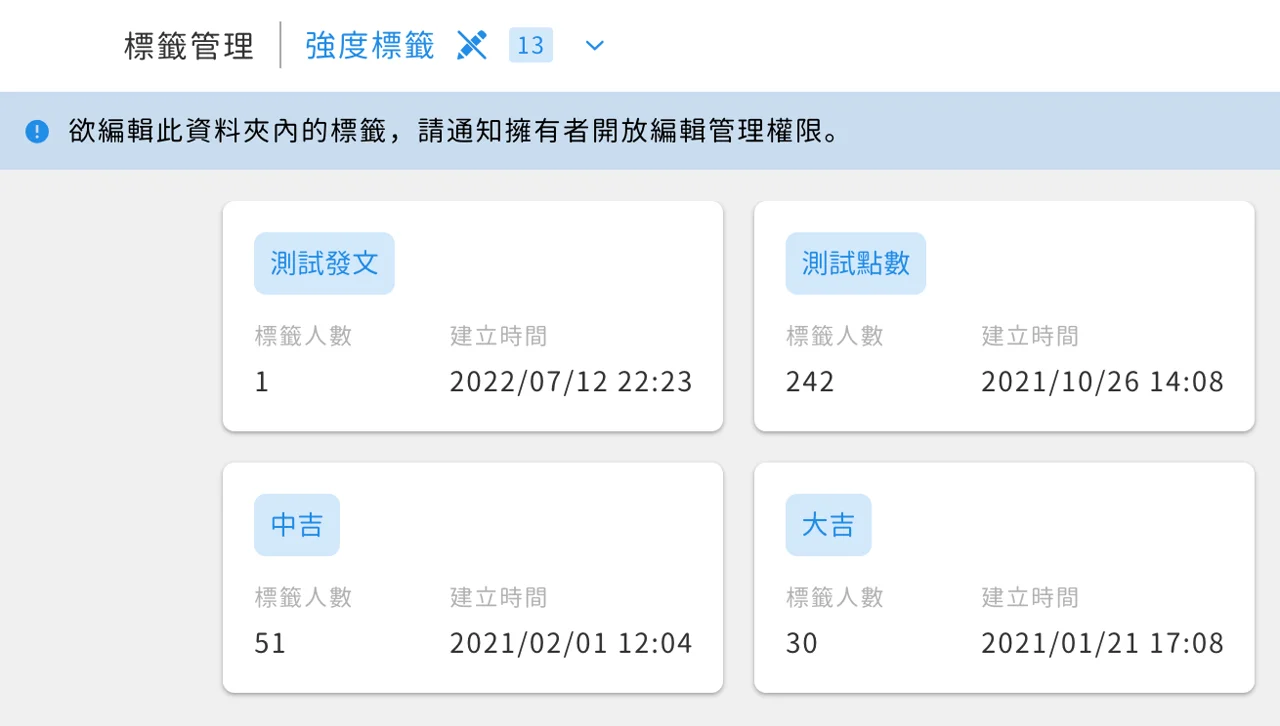
Prevent tags from being accidentally deleted or renamed
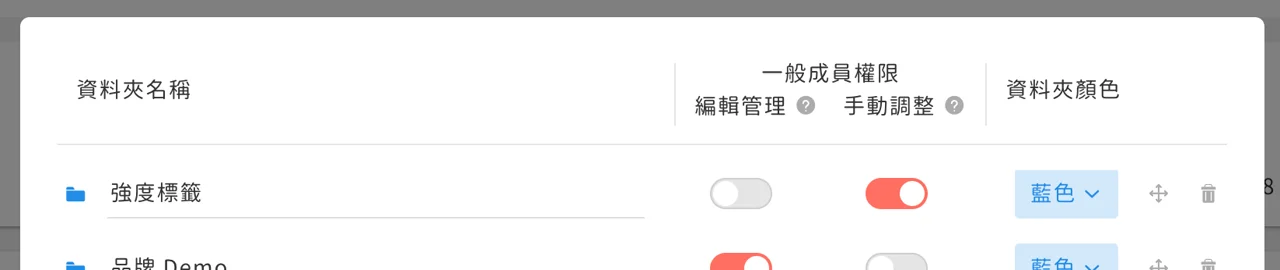
If you're worried that general users might accidentally delete or rename tags, you can turn "Edit management" on or off for specific important tag folders in the tag folder settings.
- On: general users can create, delete and change tags in this folder
- Off: general users can't create, delete or change tags in this folder
Prevent tags from being applied to or removed from members
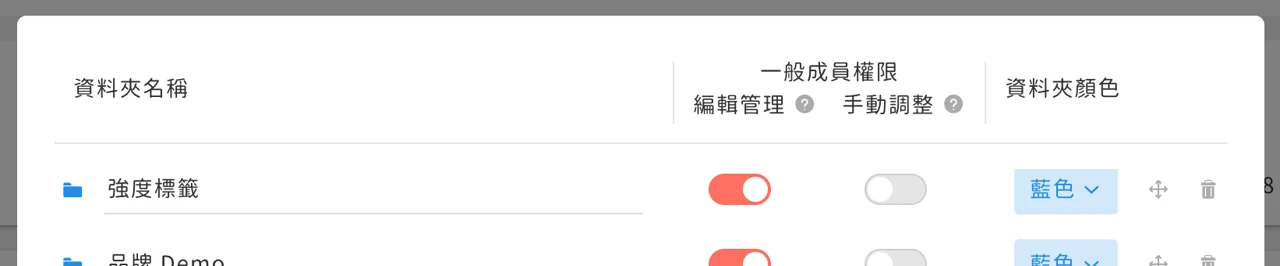
If you're worried that general users might accidentally apply or remove important tags on members from the member card or batch actions, you can turn "Manual adjustment" on or off for specific important tag folders in the tag folder settings.
- On: general users can manually apply and remove tags in this folder on members
- Off: general users can't manually apply or remove tags in this folder on members