
QR codes at your fingertips: Automatically generated from links
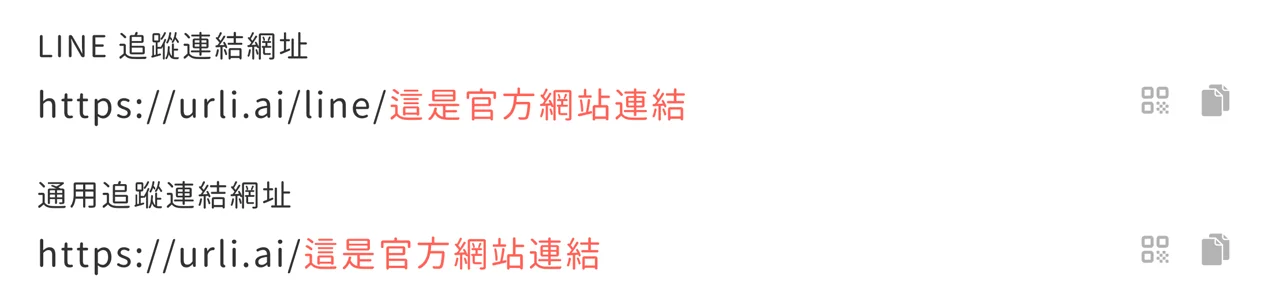
Next to any link in the admin console, click the QR code icon on the right (second from the right) to download a QR code image file you can use.

Improvements
- Tag names are now case-sensitive
- Added more publishing statuses and error codes for reference
Fixes
- Test messages might fail to send
- Text might not be entered correctly in Firefox