
Easier message editing: Template Management gets a full upgrade
The all-new Template Management 3.0 adds two browsing modes, "Table" and "Card", so you can both review content quickly and organize large numbers of templates.
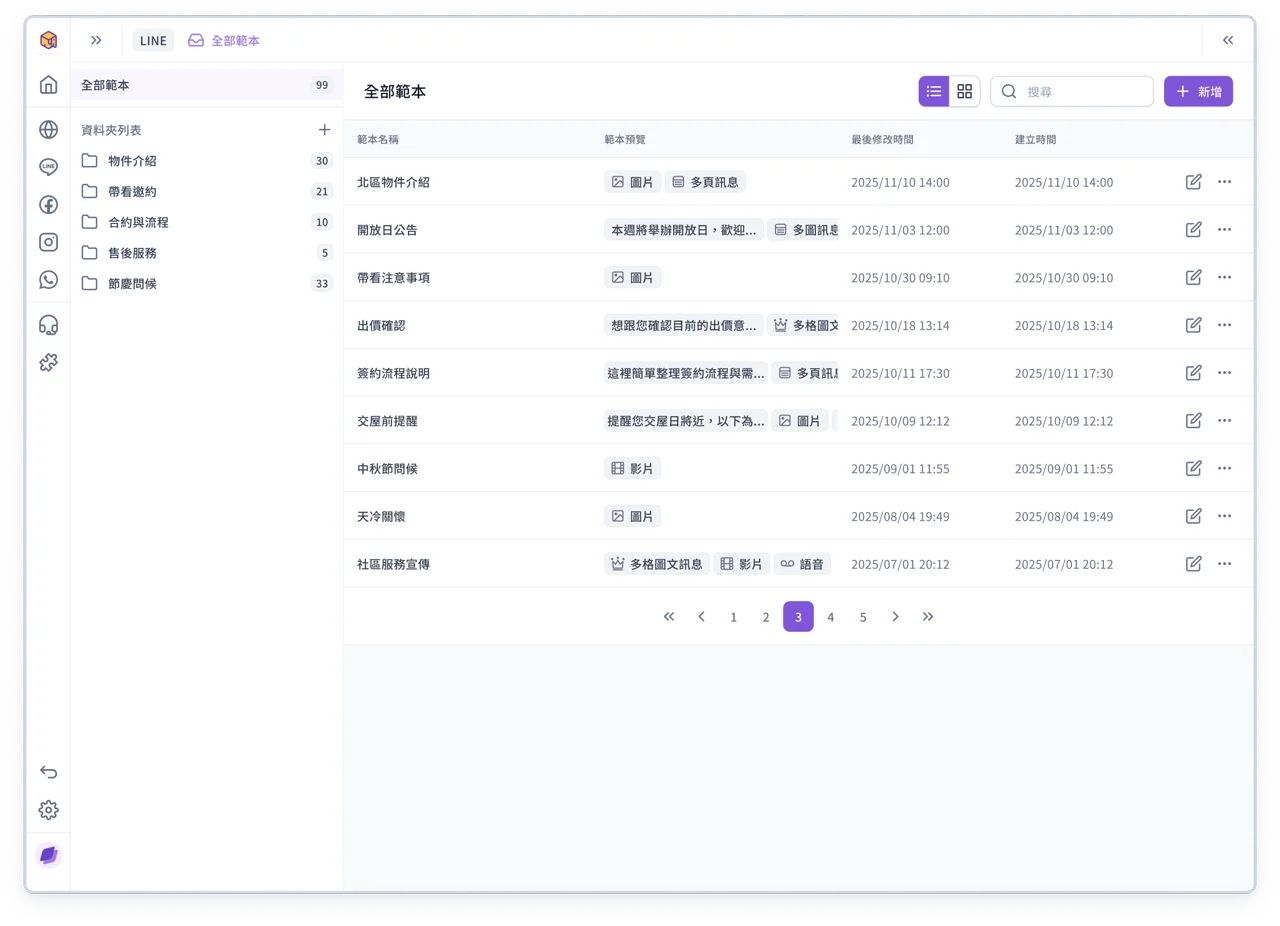
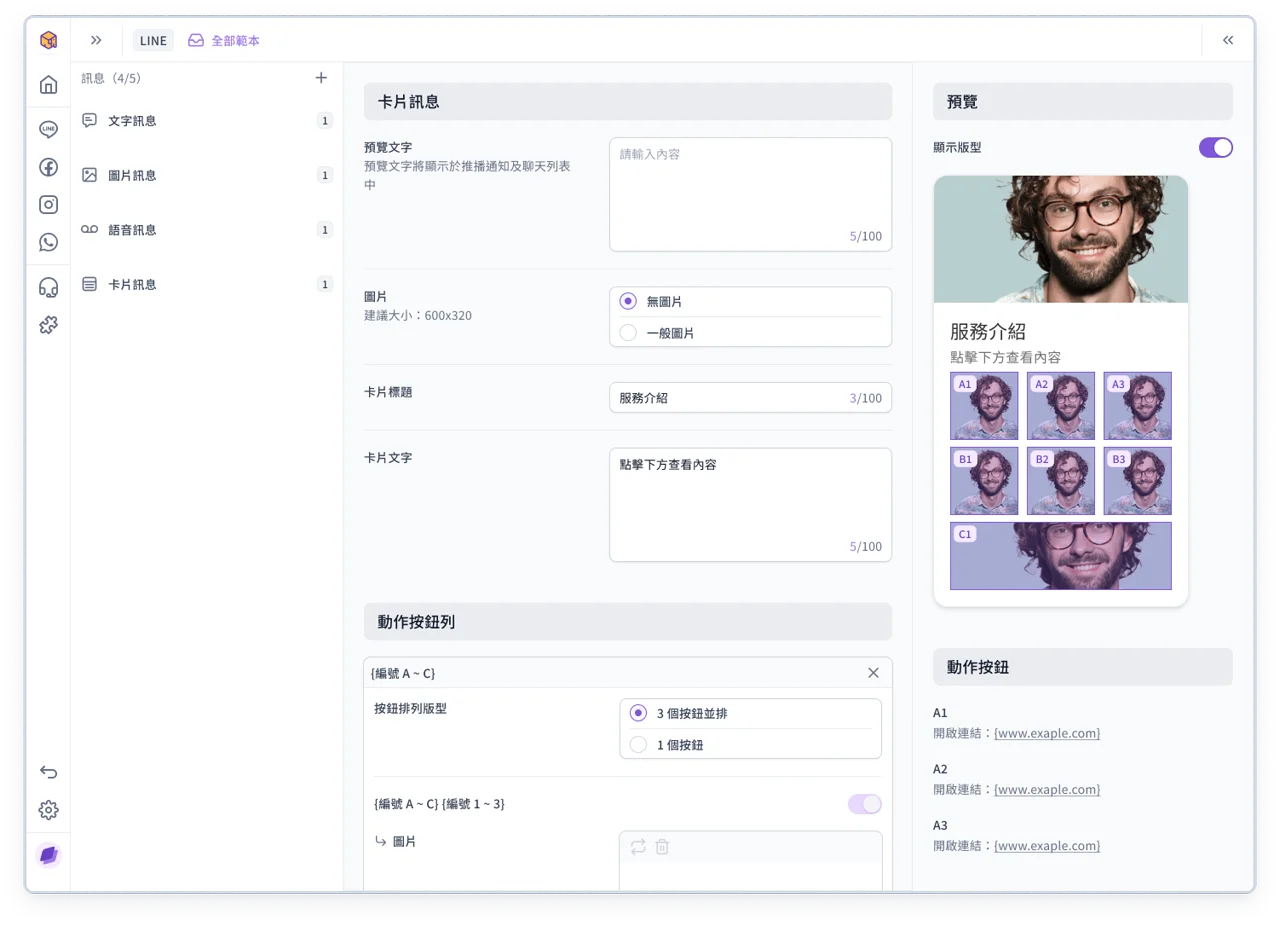
The message editing page has also been fully improved, clearly separating it into 3 areas: message components, content editing and preview, for a clearer editing flow.
The preview area also supports a "Show layout" mode. Turn it on to see exactly what each action (such as a link or reply text) shows and triggers, helping you quickly check every detail.
💡
Note: If you have any questions, contact your OakMega representative or see the OakMega Support Center
Improvements
- Adjusted some component styles in Service Center 3.0
- Approved pages and forms can use a fully custom domain name. This is a custom development by OakMega; if you need it, contact your OakMega project representative