
Smarter sign-in: one-second Email OTP sign-in
The OakMega sign-in page has been upgraded! To support those of you using a variety of email systems while keeping sign-in secure and convenient, we've added Email OTP alongside the existing Google and SSO sign-in options. Every Social CRM user can now sign in "password-free" with a company email by entering a one-time verification code. It's convenient and more secure.
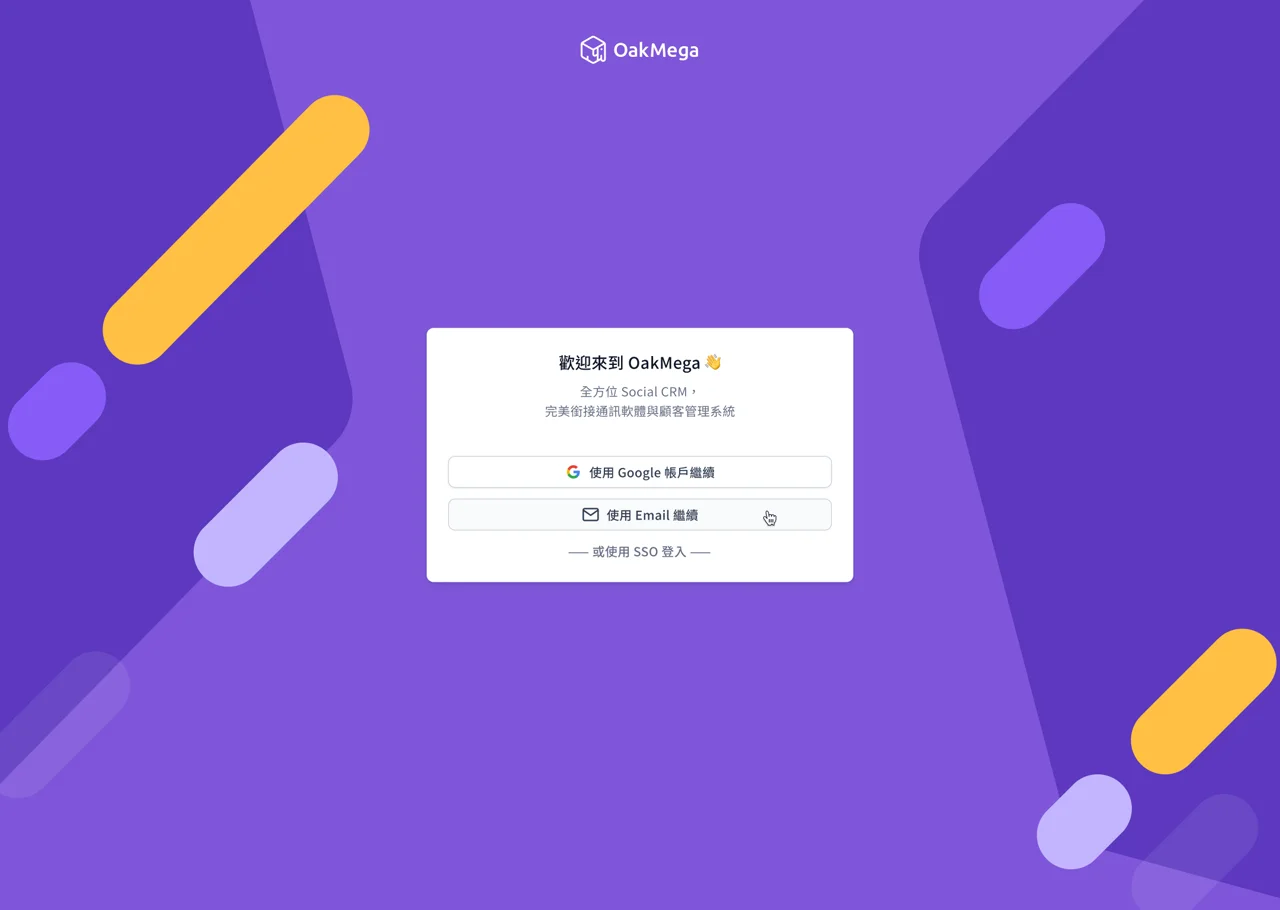
Whether your company uses Microsoft 365 or its own email server, as long as you can receive the verification code, you can use Email OTP to sign in to your OakMega account, protecting information security and company privacy!
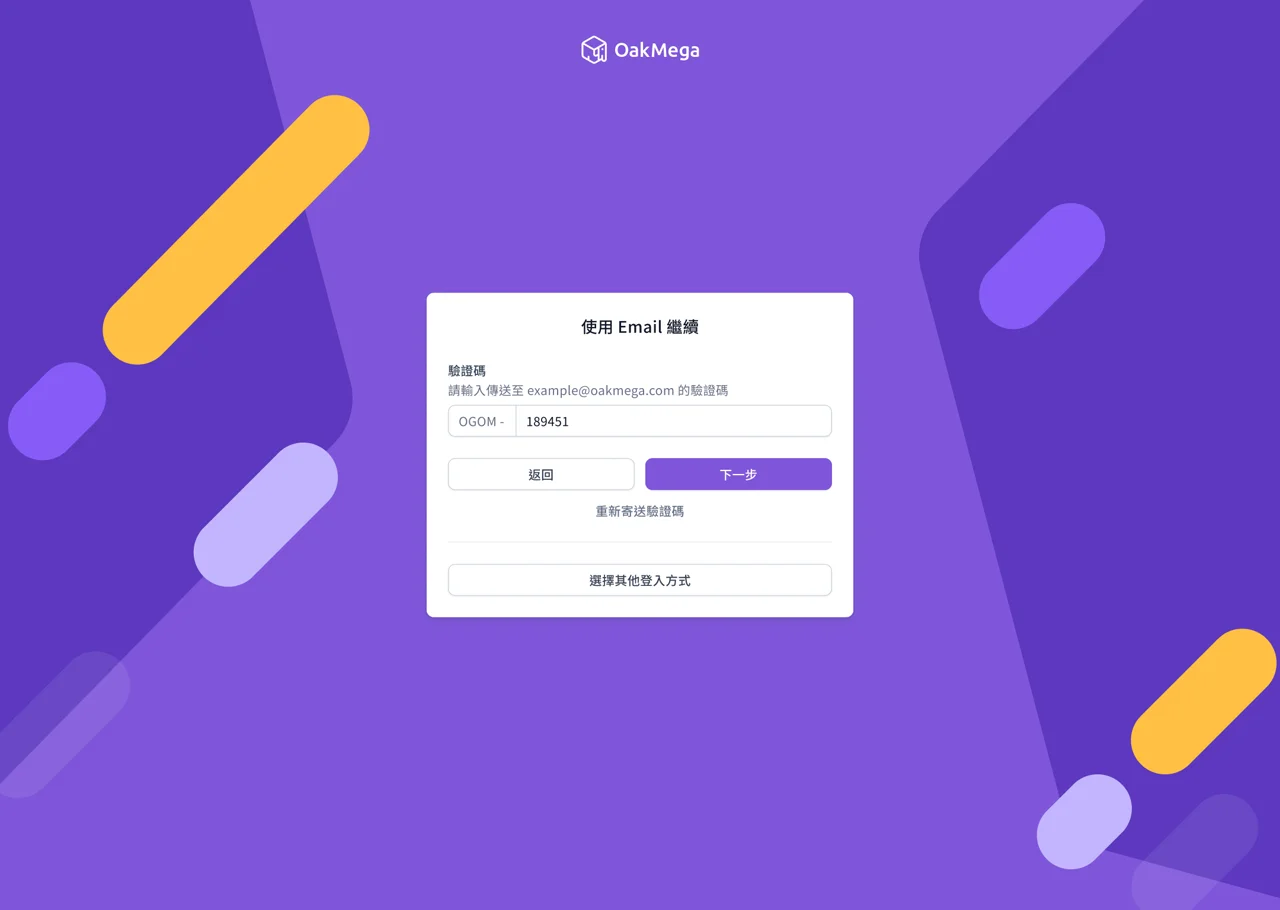
Guide: OakMega Support Center
The all-new 3.0 workspace interface, refined inside and out
We've rebuilt the entire 3.0 workspace interface (formerly the account selection page) to give you a more intuitive, efficient and beautiful 3.0 workspace experience, making signing in to Social CRM a pleasure!
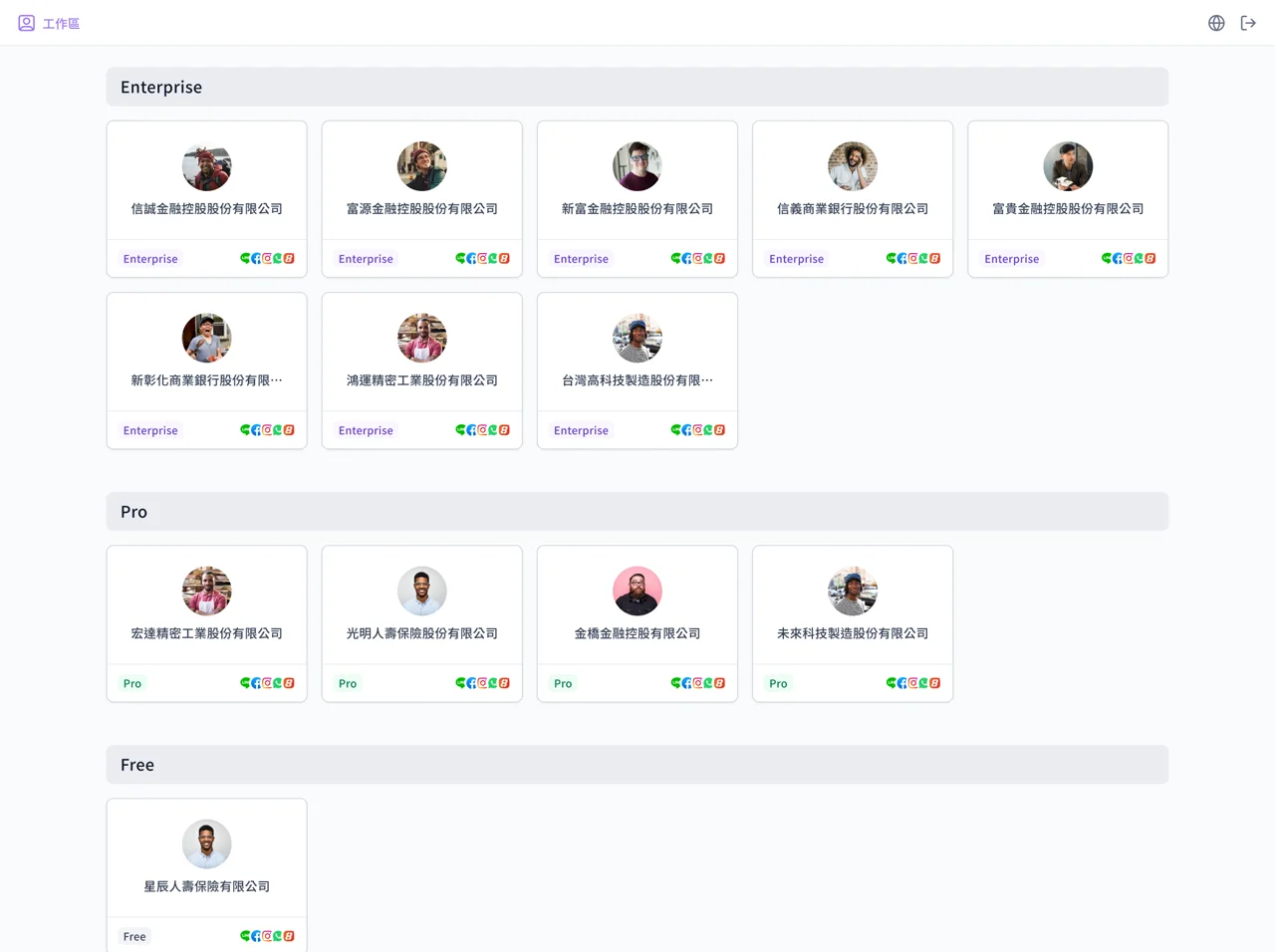
On top of that, you can clearly see the platforms you've connected in the bottom-right corner of each workspace. Join everyone else and connect Facebook, Instagram and WhatsApp too!
Guide: OakMega Support Center
Multi-language × time zone support: your way, closer to you
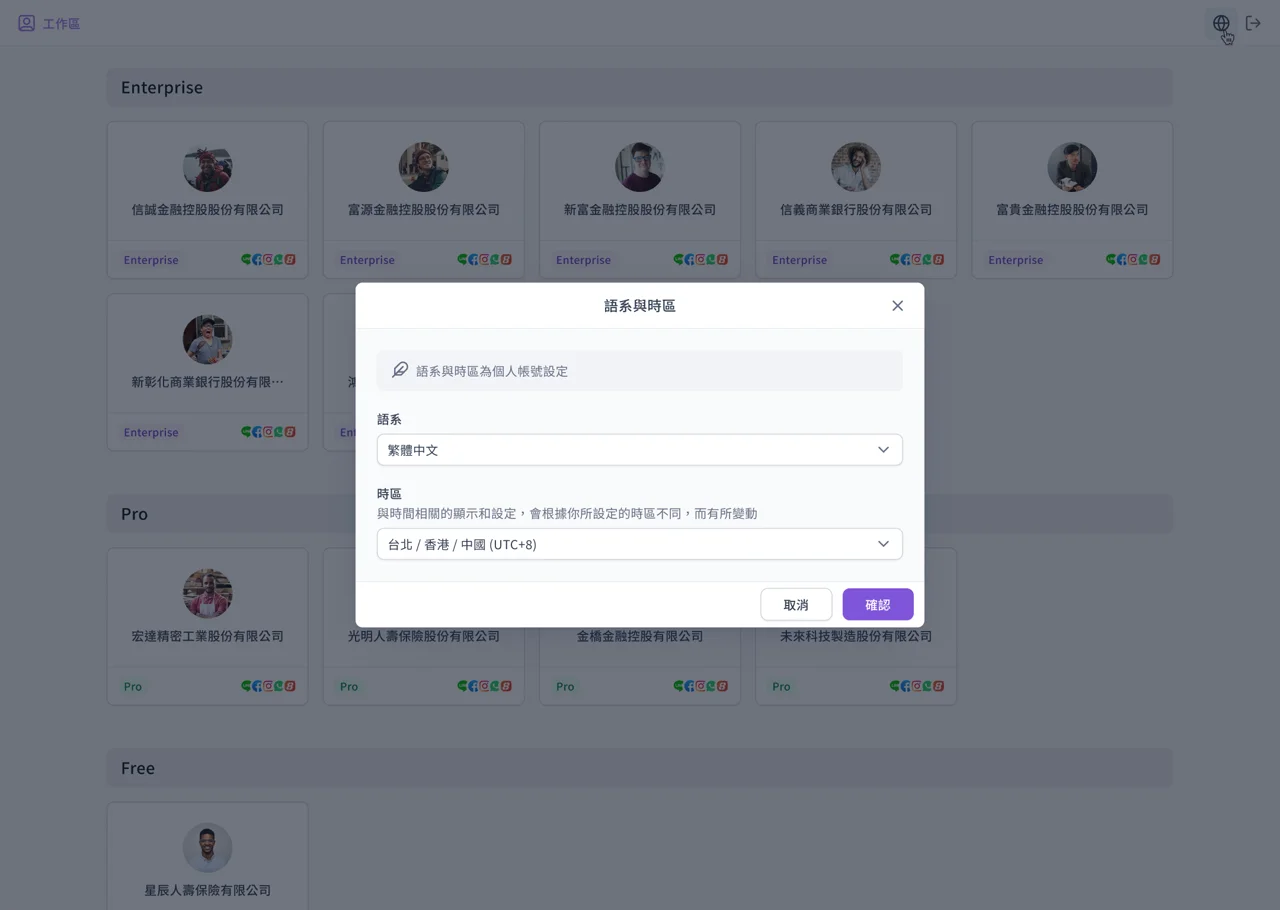
Click the globe icon in the top-right corner of the workspace to open language and time zone settings, and set them up the way that suits you best!
Guide: OakMega Support Center